SPENDING TRACKER FOR IPHONE
Your spending, logged by itself.
Tap to pay. Sortd writes it down: the shop, the amount, the card. You were never going to type in that $5.50 coffee anyway. (Nobody does. That's why most budgets die by February.)
Coming soon on the App Store
Join the beta
No bank login. No account. Your data stays on your phone (we don't even have a server to put it on).
9:41
Activity
Today$43.10
☕️
Seven Seeds CoffeeEating Out · Everyday
-$5.50
🥡
Uber EatsFood Delivery · Rewards
-$31.40
🛒
WoolworthsGroceries · Everyday
-$6.20
Yesterday$100.45
🍜
DoorDashFood Delivery · Rewards
-$42.15
🛒
ColesGroceries · Everyday
-$58.30
🎬
HoytsEntertainment · Rewards
-$24.50
Monday 21 September
9:41
Double-click the side button to pay
Pay
Everyday•••• 4821
Hold Near Reader
Done

Logged $5.50 at Seven Seeds Coffee · Eating Out
- 1 · You pay
- 2 · Sortd logs it
- 3 · It's in your list
Everything ends up in one list.
If a tap and its email receipt are the same coffee, Sortd counts it once. (Your spreadsheet never figured that out.)
Apple Pay tapsLogged by themselves within a few seconds.
Email receiptsUber Eats, DoorDash, app stores and bank alerts, read from Gmail if you connect it.
Paper receiptsTake a photo. Sortd reads the shop and total.
sortd
MON 21 SEP · TODAY
Seven Seeds Coffee5.50Apple Pay tap
Uber Eats31.40Gmail receipt
Kmart38.00Photo of receipt
Spotify13.99Monthly · next one 10 Oct
TOTAL$88.89
Nothing typed by hand
Everything it does.
Seven jobs you were never going to do yourself. Tap through them.
Apple Pay
Pay. It's logged.
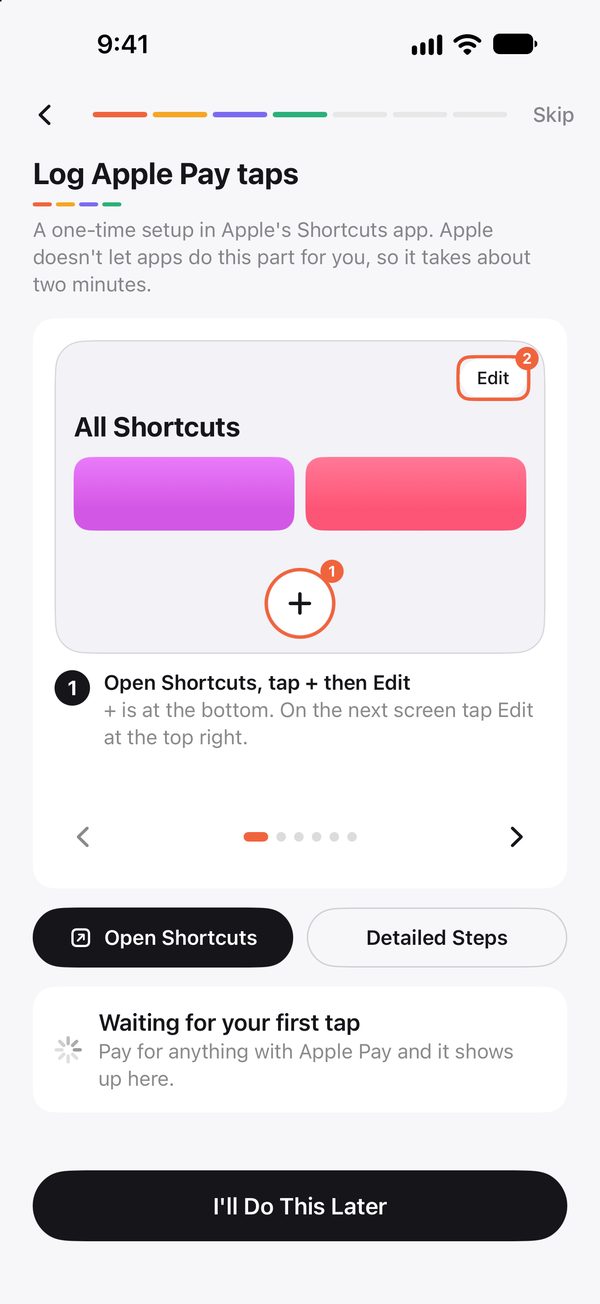
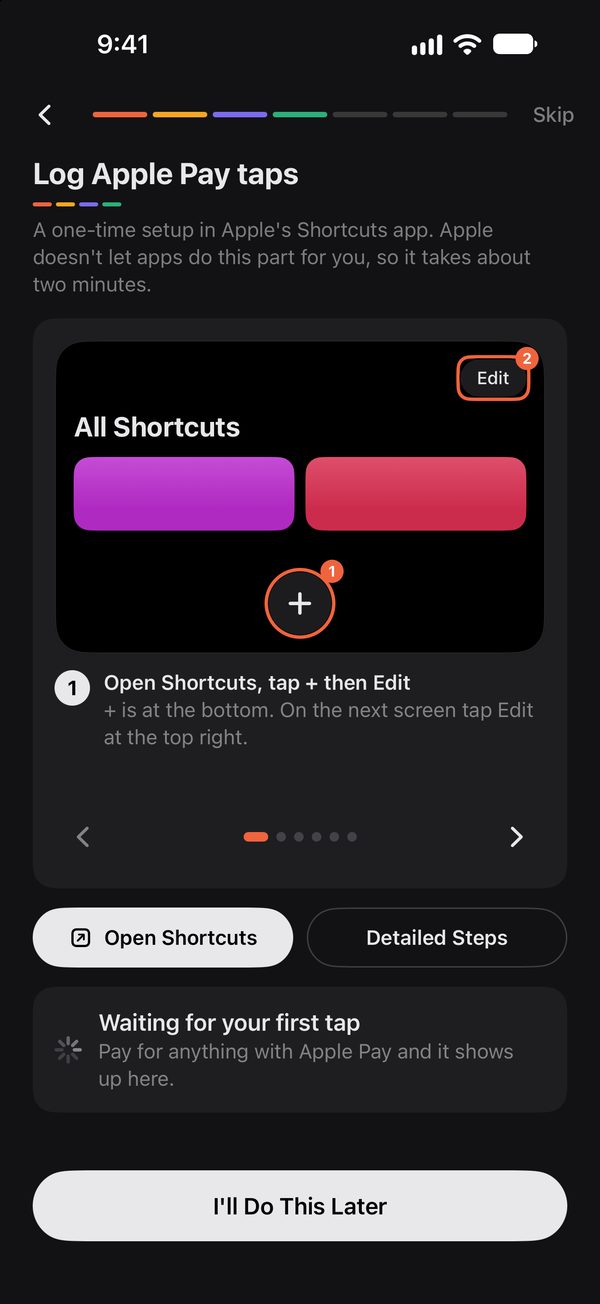
Set up one Shortcuts automation, once, with a picture for every step. After that every tap with your iPhone or Apple Watch lands in Sortd with the shop, amount and card. Even when the app is closed. (Yes, really. No, you don't have to open it.)
- Works with every card in Apple Wallet
- Two cards from one bank? Told apart by their Apple Pay number
- Pressing ▶ in Shortcuts is just a test. It saves nothing
Gmail receipts
Your inbox, finally useful.
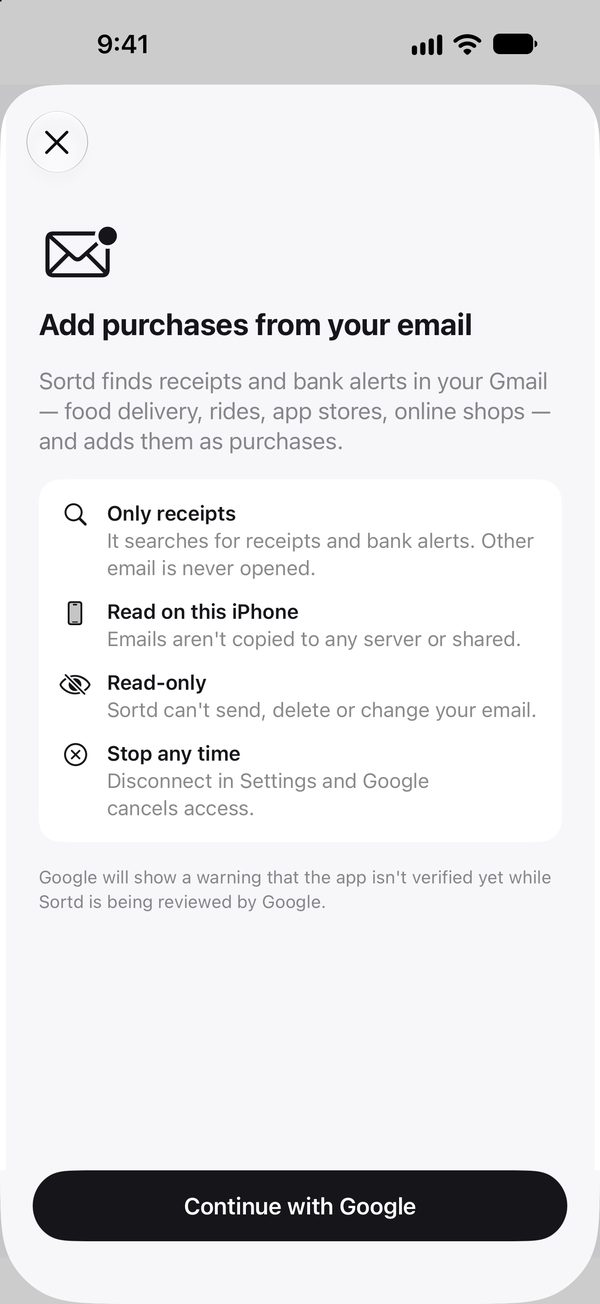
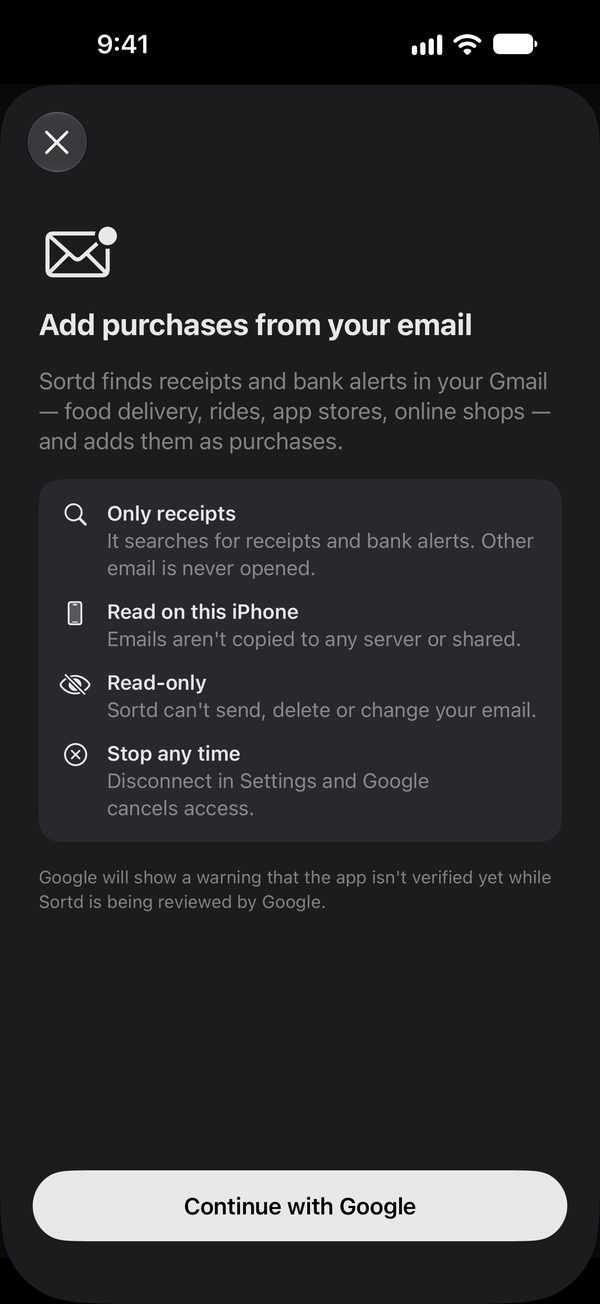
Connect Gmail and Sortd finds your receipts and bank alerts: Uber Eats, DoorDash, app stores, online shops. It reads them on your phone and ignores the rest of your email (including the newsletters you keep meaning to unsubscribe from).
- Read-only. It can't send, change or delete anything
- Only receipts and bank alerts are opened
- A tap and its email receipt count as one purchase
Receipt camera
Paper receipts, handled.
Point the camera at a receipt. Sortd reads the shop, total, date and card and fills them in for you to check. The photo isn't saved anywhere. We're not building a shrine to your Kmart runs.
- Or pick a photo you already took
- Read on your iPhone, not in the cloud
- Uses Apple Intelligence when your iPhone has it
KMARTMelbourne Central
Storage box18.00
Desk lamp20.00
TOTAL38.00
VISA ••1111Found on the receipt
ShopKmart
Total$38.00
CardEveryday ••1111
CategoryShopping
Subscriptions
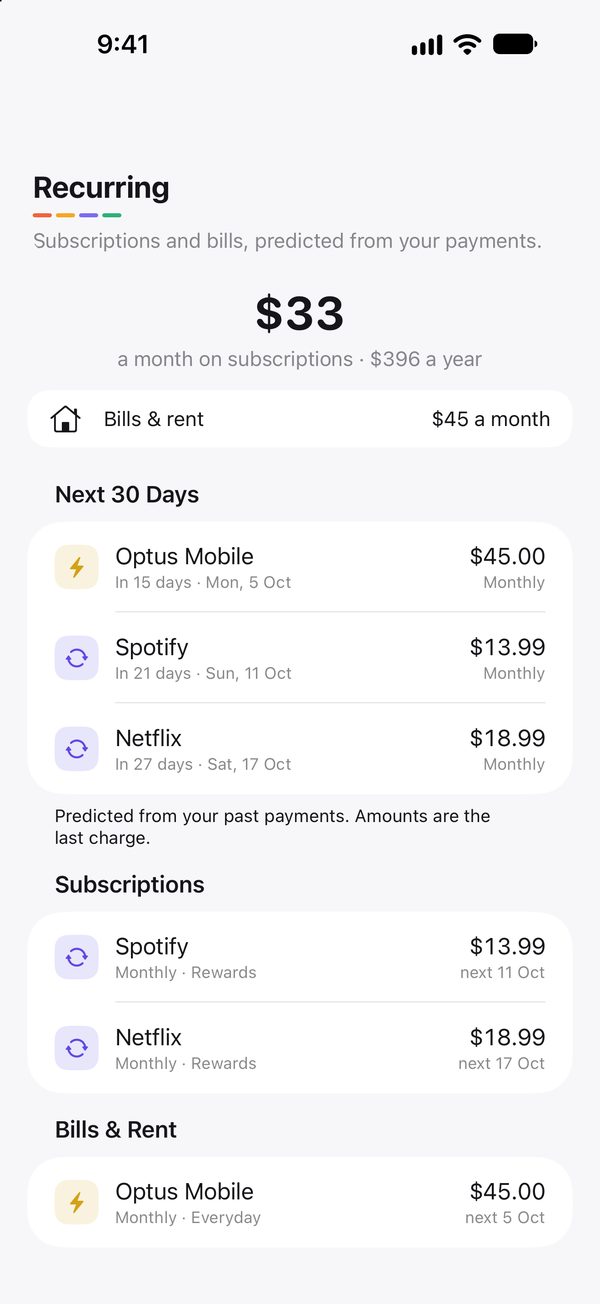
Find the subscriptions you forgot about.
(You have at least one. Everyone does.)
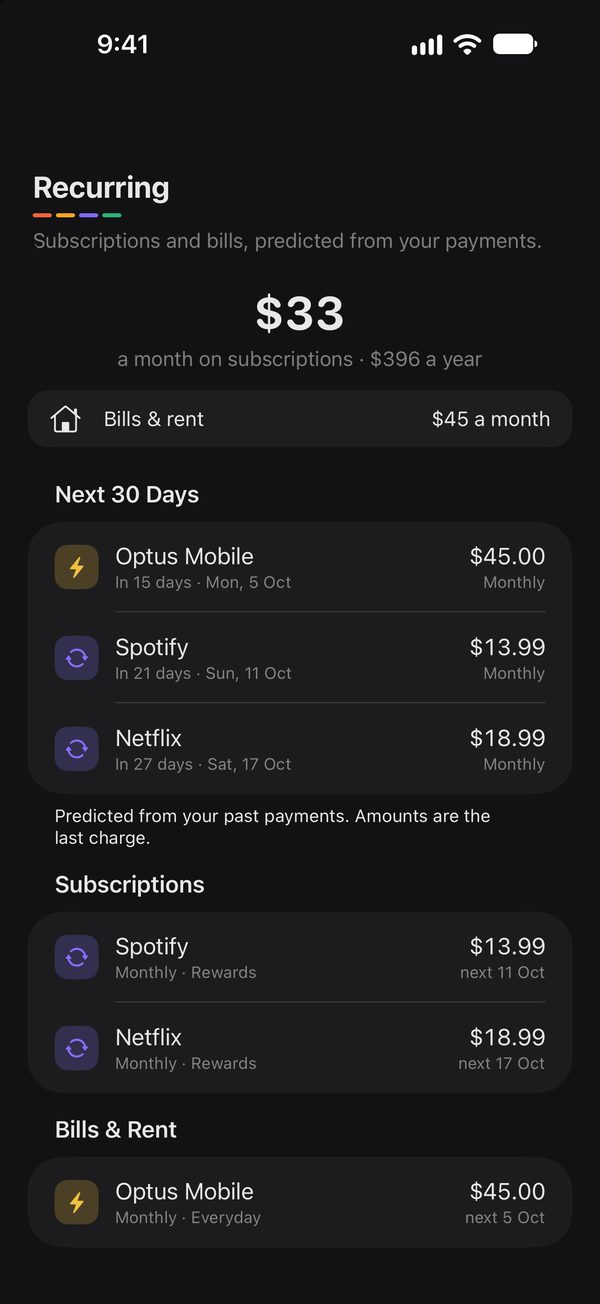
Sortd spots anything that repeats and shows what's due in the next 30 days, and what it all costs you a month. Turn on reminders and you hear about Netflix the day before it charges you, not after.
- Flags price rises
- Catches charges after you cancelled
- Works out weekly, monthly and yearly bills
SORTD · 9:00
Netflix tomorrow $18.99 on your card
Budgets
A budget that knows rent is coming.
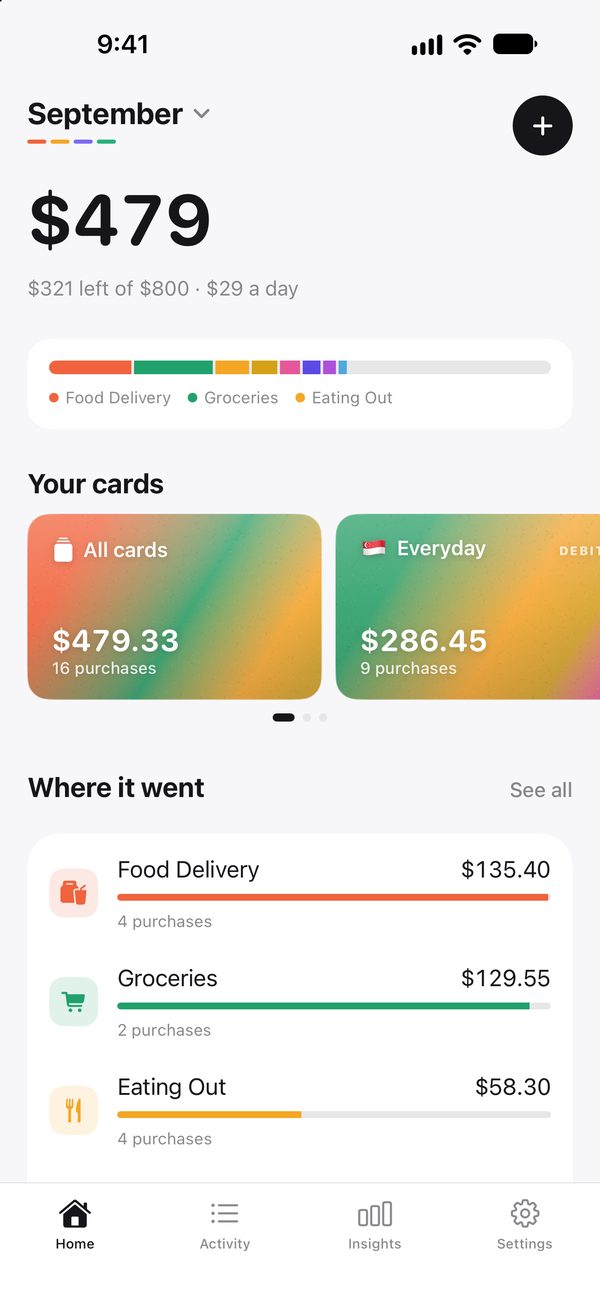
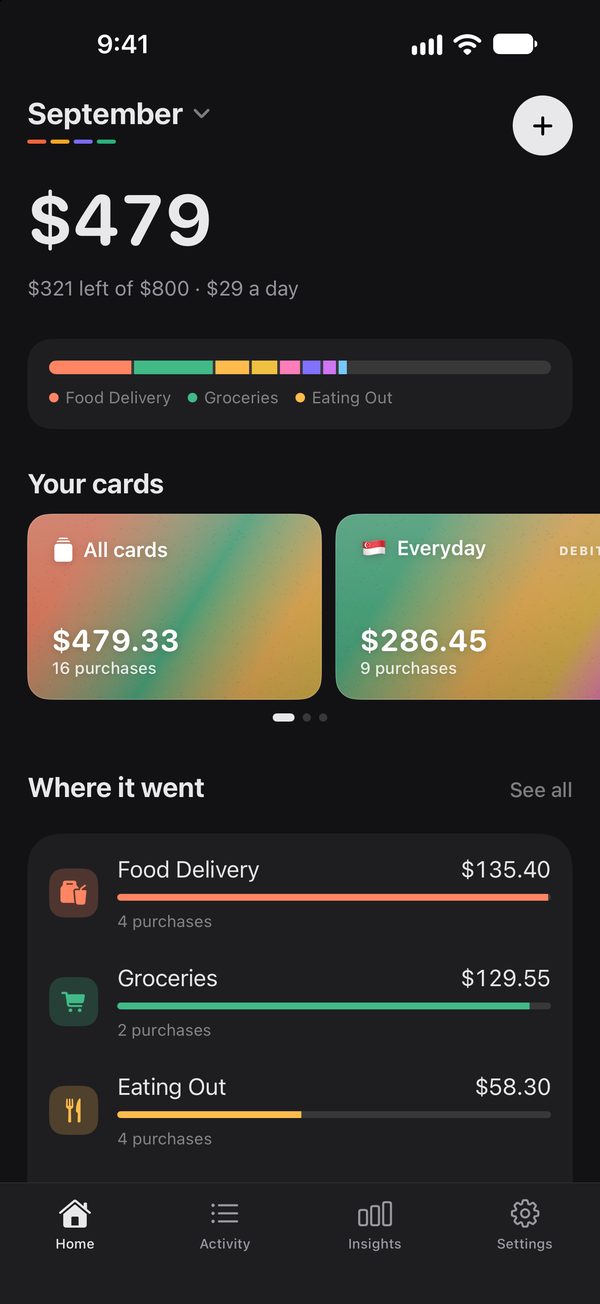
Set one number for the month. Sortd shows what's left and what you can spend each day, after the bills that haven't charged yet. Add limits for categories like eating out if you want to. Unlike your last spreadsheet, it actually updates itself.
- Left to spend, per day
- Bills still to come are counted
- Optional limits per category
Insights
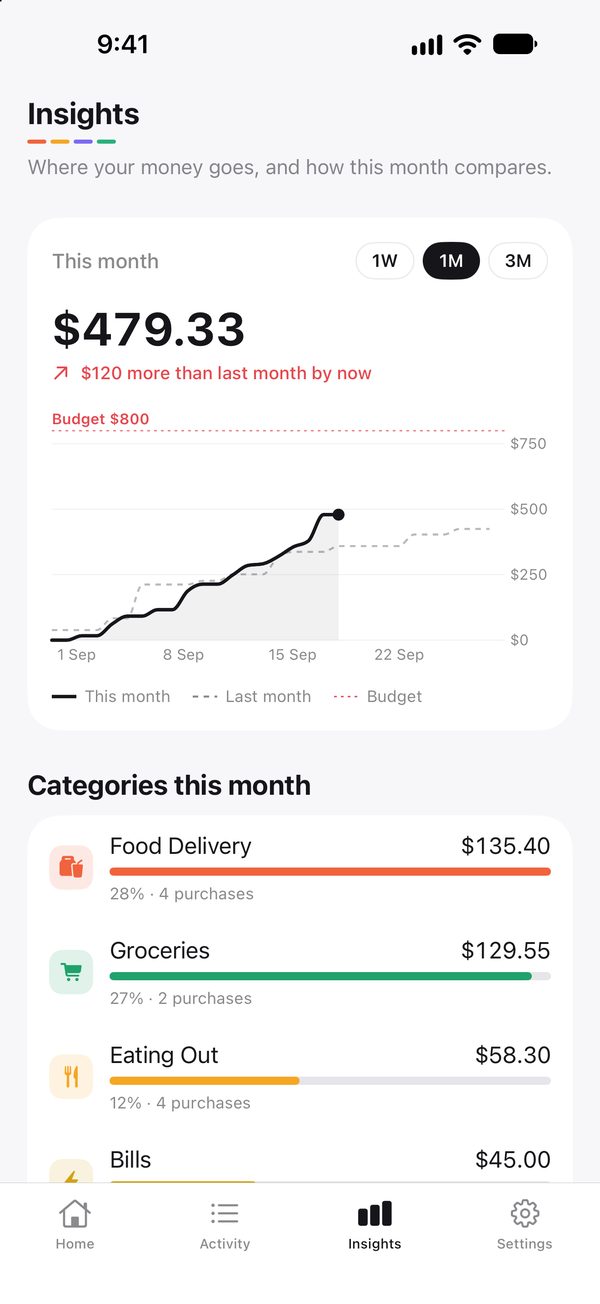
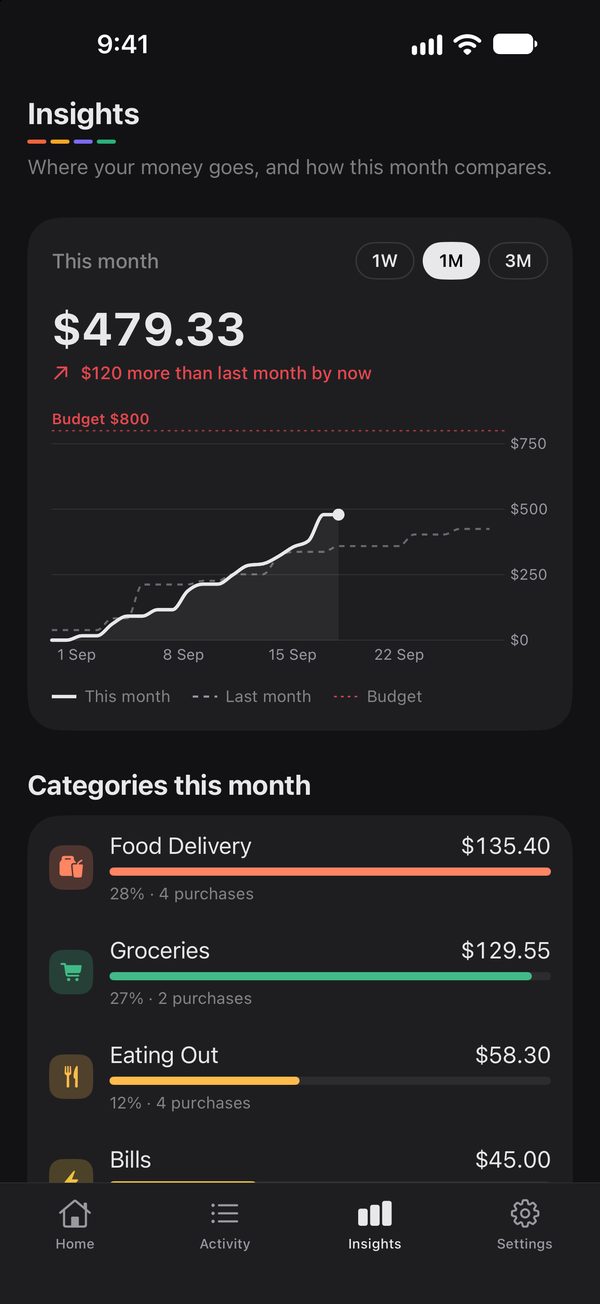
This month vs last month.
A day-by-day chart of this month next to last month. By the middle of the month you already know if you're heading over, and which category did it. (It was takeaway. It's always takeaway.)
- Spending by category
- Compare with last month
- Week, month or three months
Cards & currencies
Two countries. Five cards. One app.
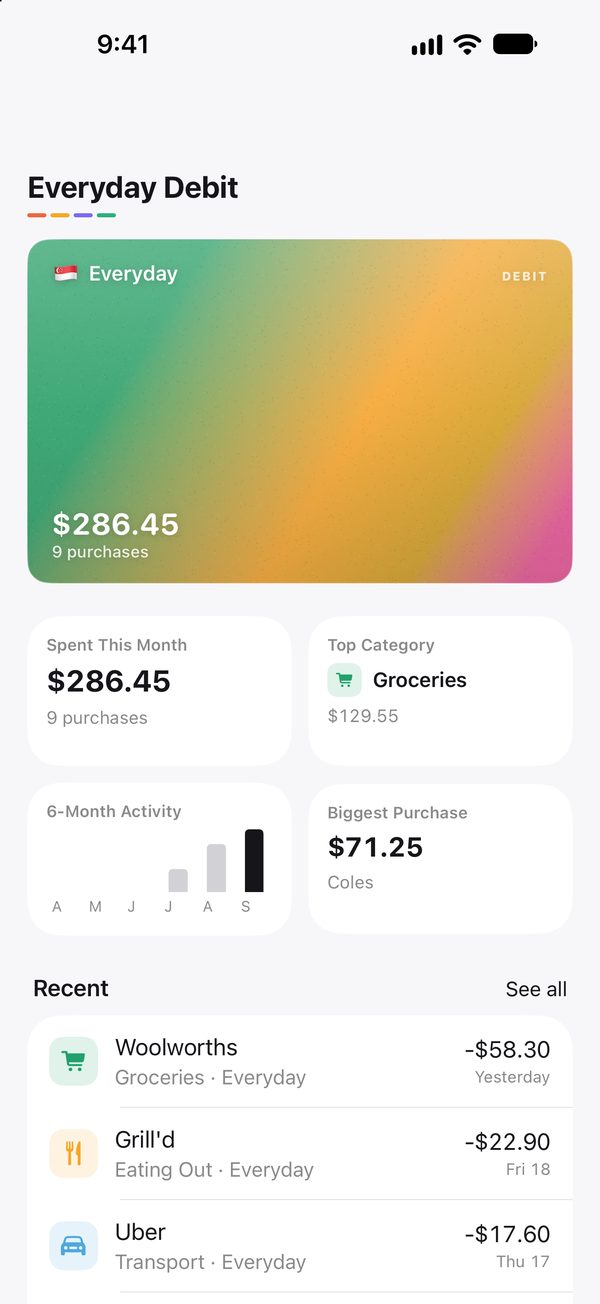
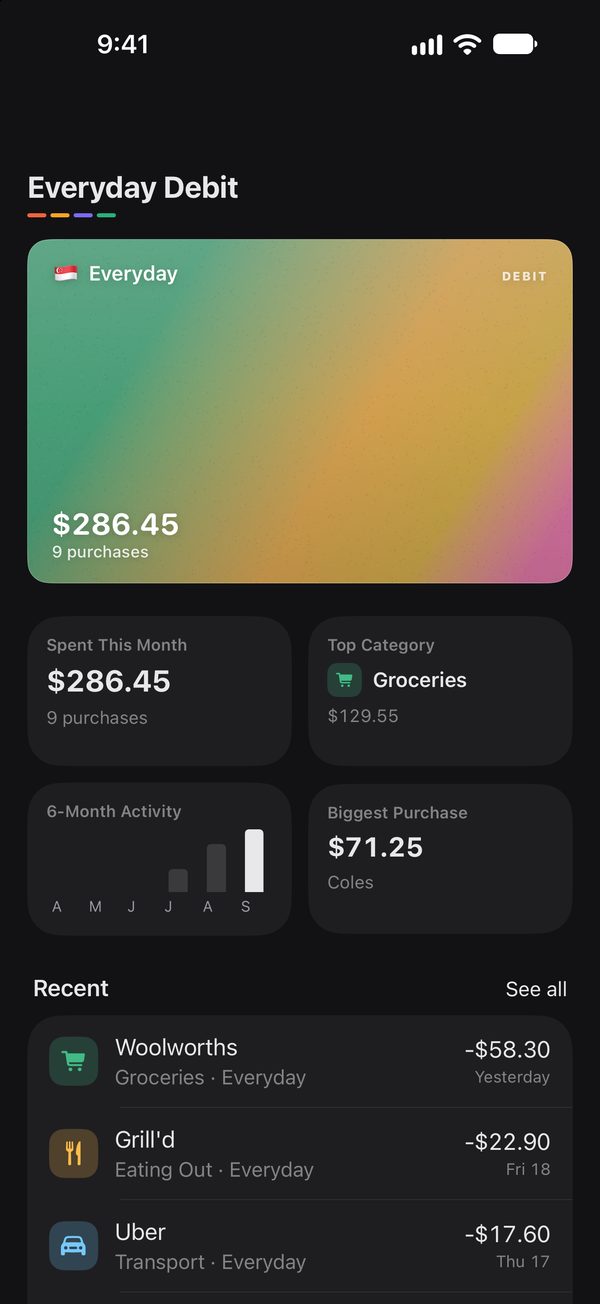
Every card gets its own page. Purchases keep their own currency and convert to your home currency at that day's European Central Bank rate. Built by someone with an Australian card and a Singapore card, so it had no choice but to work.
- 30+ currencies
- Banks in Singapore, Australia, India, Malaysia, the US and UK
- Any other bank works too
Also in Sortd
Face ID lockFor when a friend grabs your phone to “just check something”
Ask Siri“How much have I spent this week?”
Categories that learnFix one purchase and that shop stays fixed
Refunds matchedMoney back is linked to what you bought
No double countingA tap and its receipt become one purchase
Export anytimeEvery purchase as a spreadsheet
Light and darkFollows your iPhone
Delete everythingOne tap. Gone. No “are you sure you’re sure” emails
Knows your bank.
Pick your bank during setup and Sortd recognises its cards. Not listed? Add it as “Other bank”. It still works, it just doesn't get a shout-out here.
🇸🇬 Singapore
DBSPOSBOCBCUOBStandard CharteredCitibankHSBCTrustGXSYouTrip
🇦🇺 Australia
NABCommBankANZWestpacINGMacquarieUpubank
🇮🇳 India
HDFC BankICICI BankSBIAxis BankKotakIDFC First
🌐 Anywhere
WiseRevolutAmerican Express+ Malaysia, US, UK and more
Three minutes to set up.
The app shows a picture for every step. If you can order a coffee, you can do this.
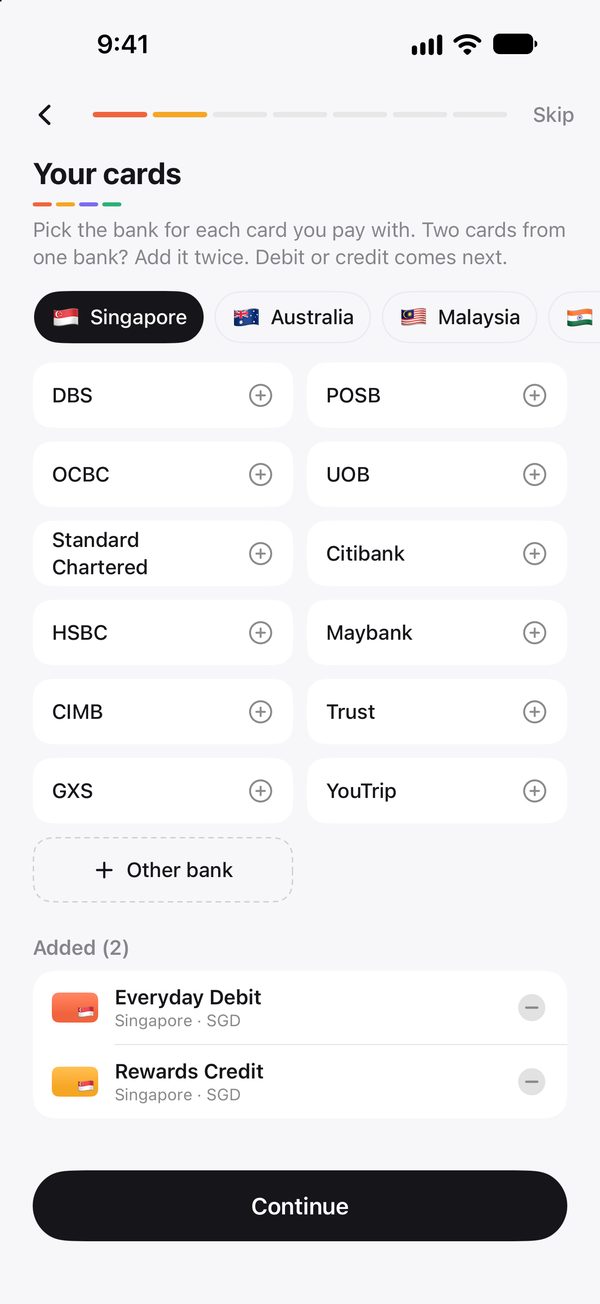
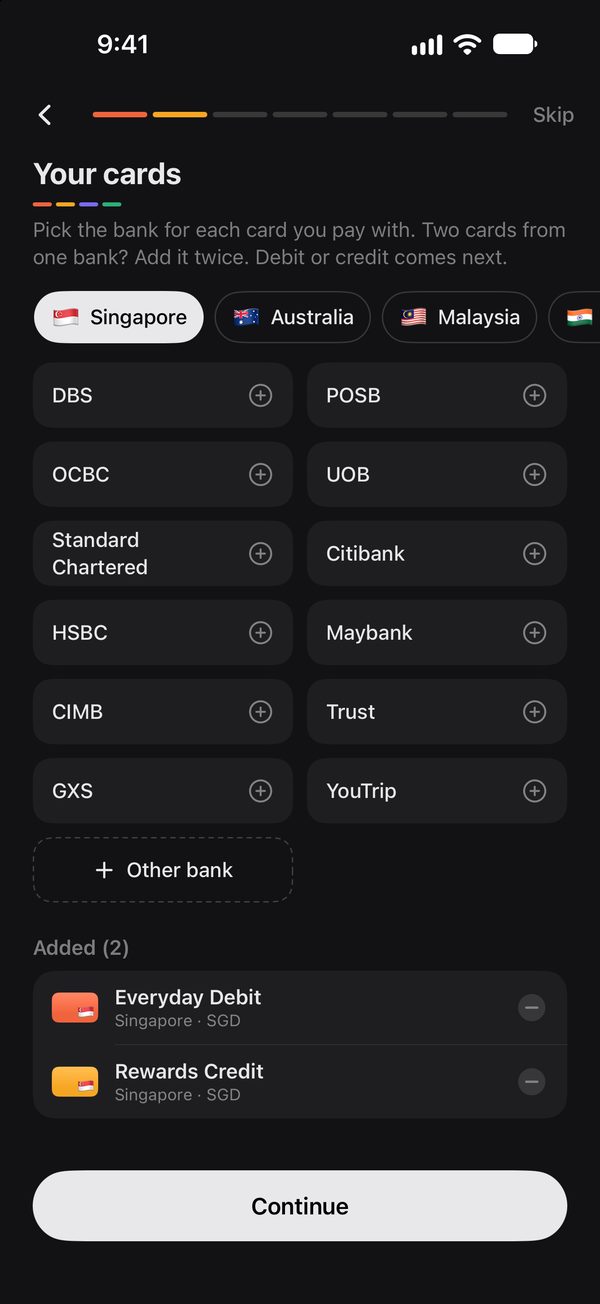
1
Add your cards
Pick a country, tap your bank. Two cards from the same bank? We don't judge. Sortd only asks for the last 4 digits.
2
Connect Apple Pay
One automation in Apple's Shortcuts app. Sortd shows you every screen with the right button circled.
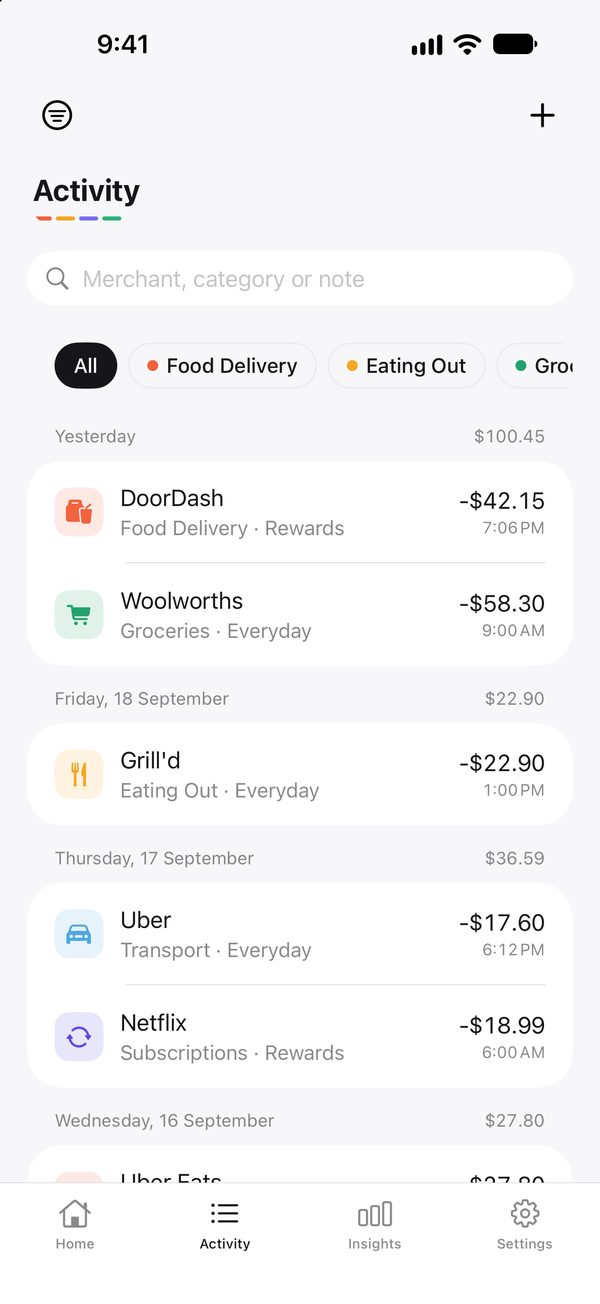
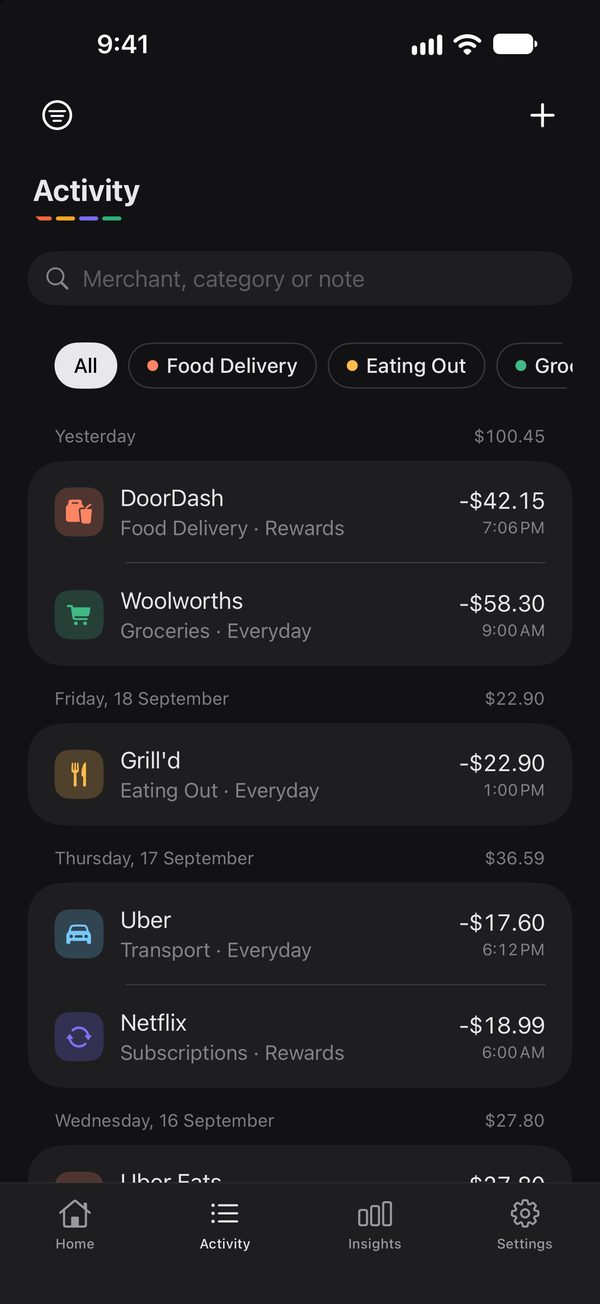
3
Pay like you normally do
Each tap shows up within seconds, even when Sortd is closed. That's it. That's the routine.
We can't sell your data. We don't have it.
Most free money apps pay for themselves with your data. Sortd keeps everything on your iPhone, so there's nothing to sell, leak or hand over. Hackers would be very disappointed. Read the privacy policy
App Privacy
Sortd's privacy label on the App Store
Data Not Collected
The developer does not collect any data from this app.
Stored on your iPhone
Your purchases, cards and settings stay on your phone. We don't have a server to send them to, even if we wanted to.
No bank login
Sortd never asks for your bank password. It only keeps the last 4 digits of a card, to know which card you used.
Read-only Gmail
Optional. Sortd can't send, change or delete email, and receipts are read on your phone.
No ads, no tracking
No analytics, no ad networks, no “partners”. Nobody is watching you buy coffee.
Take it with you
Export every purchase as a spreadsheet, or delete everything, in Settings › Your Data.
Pay with money, not your data.
No ads and no data sales means the people who use Sortd pay for it. Radical, we know. It also doesn't pay a middleman to read your bank account, so it costs about half what the big budgeting apps charge. (We checked. Twice.)
Monthly
$6.99/month
Cancel any time in the App Store.
Launch offer
Yearly
$49.99 $29.99first year
Then $49.99 a year. 14 days free first.
Lifetime
$99.99once
Pay once. Never hear from us about it again.
- Every feature in every plan
- 14-day free trial on yearly
- Family Sharing
Prices in US dollars. The App Store shows yours in your own currency.
Why I made Sortd
I split my time between Melbourne and Singapore, which means two currencies, several cards, and absolutely no idea where my money went each month.
Subscriptions were the worst. A few dollars here, a few dollars there, from companies I'd half forgotten about, spread across different cards, accounts and app stores. When I finally added them up, I was paying for more than I thought. Some of it I'd stopped using months ago. (Looking at you, free trial that wasn't.)
So I built Sortd for myself. Every Apple Pay tap and receipt lands in one list without me typing a thing, and every subscription shows up before it renews. I still spend too much on coffee. At least now I know exactly how much.
KKameshraj GnanaprakasamFounder of Sortd
Questions.
Can't find yours? See Help and Support or email support@sortd.page. A human reads it (hi).
Does Sortd connect to my bank?
No. It never asks for your bank password, and it never will. Purchases come from your Apple Pay taps, your email receipts if you connect Gmail, receipt photos, or what you type in yourself. (Other apps want the keys to your bank. We'd rather not.)
Which purchases are logged automatically?
In-store Apple Pay taps with your iPhone or Apple Watch. Online and in-app purchases come in through email receipts if you connect Gmail.
How does it find my subscriptions?
It looks for payments that repeat, like Netflix every month or a phone bill every four weeks, and reads renewal dates from subscription receipts. Then it shows what's due and what they cost you a month.
Why the Shortcuts app?
Because in most countries Apple doesn't let apps read Wallet directly. We asked. (We didn't ask.) An automation in Shortcuts is Apple's own way to pass each tap to an app, on your phone, with your permission. You set it up once and forget it exists.
Why not Android?
Short version: Sortd hears about your taps through Apple's Shortcuts app, and Android doesn't have one. Long version: see short version. If enough of you ask, we'll build it. (Asking nicely helps.)
Does it work when I travel?
Yes. Purchases are saved in the local currency and converted to your home currency at that day's European Central Bank rate.
What if I have two cards from the same bank?
Add the last 4 digits of each card and its Apple Pay number. That's how Sortd tells them apart.
How much does it cost?
US$6.99 a month, US$49.99 a year, or US$99.99 once. At launch the first year is US$29.99, with a 14-day free trial before that. Every plan has every feature, and the App Store shows the price in your currency.
Which iPhones does it work on?
Any iPhone on iOS 26 or later. Reading receipts with on-device AI needs an iPhone with Apple Intelligence. Other iPhones use simpler rules, which work fine for most receipts.
Try it before your friends do.
The beta is on TestFlight. Email us and we'll send an invite. Bragging rights not included, but strongly implied.
Join the beta
Coming soon on the App Store